Enter each proposal
Bring competing bids into one consistent, organized comparison.
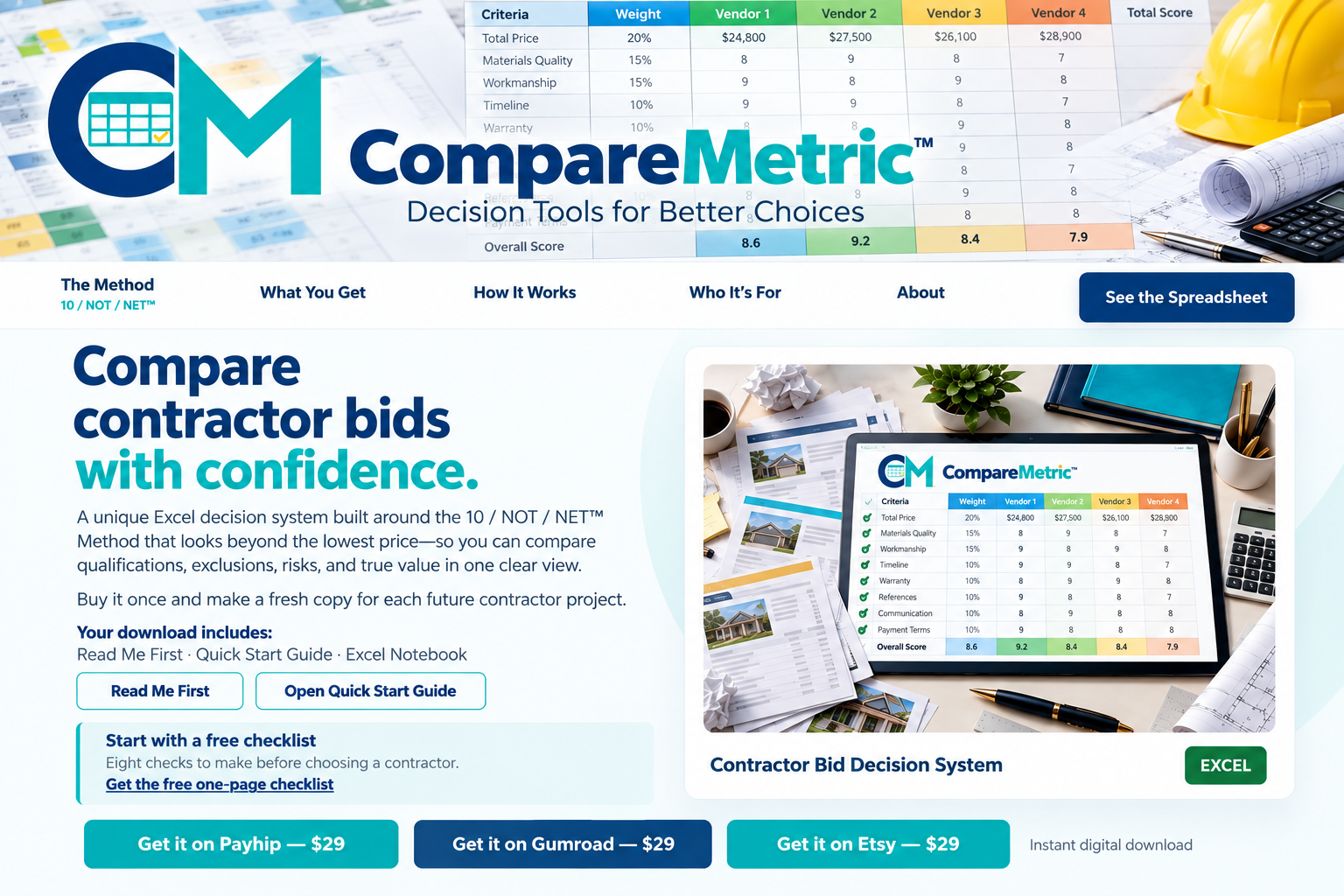
A unique Excel decision system built around the 10 / NOT / NET™ Method that looks beyond the lowest price—so you can compare qualifications, exclusions, risks, and true value in one clear view.
Buy it once and make a fresh copy for each future contractor project.
Read Me First · Quick Start Guide · Excel Notebook
Eight checks to make before choosing a contractor.
Get the free one-page checklist
Different proposals often hide important differences in scope, qualifications, scheduling, protections, and exclusions. CompareMetric puts those differences where you can see and evaluate them. Read our Contractor Bid Comparison Spreadsheet guide to organize bids beyond price.
Bring competing bids into one consistent, organized comparison.
Score the factors that affect value—not just the quoted total.
See the full picture, identify tradeoffs, and document your decision.
A 10 fully meets your ideal. Record significant disadvantages separately, ask every vendor the same questions, and compare qualified bids by NET score and price.
Explore how CompareMetric helps organize proposals, evaluate decision points, and compare value.


Use CompareMetric when you have competing bids for a renovation, repair, or other home project and want to understand the differences before choosing.
Bring your proposals and an Excel-compatible application. Make a fresh copy of the workbook for each project.

CompareMetric grew from my lifelong habit of turning complicated problems into clear, organized decisions. My professional background includes engineering, marketing, purchasing, and evaluating competing proposals.
Whenever several vendors offered different prices, features, conditions, and promises, I developed structured spreadsheets that made the differences visible, compared the offers fairly, and helped identify the choice that delivered the best overall value.
Turn scattered contractor proposals into one clear, practical decision.
How to Compare Contractor Bids · Contractor Bid Comparison Spreadsheet · Lowest Bid vs. Best Value · Compare Vendor Proposals